步骤 3:配置 WizTelemetry 平台服务
更新时间:2026-06-29 10:11:05
修改 whizard-telemetry-config
如果使用外置 OpenSearch 数据库,需要修改配置文件 whizard-telemetry-config。
-
在集群左侧导航栏选择配置 > 配置字典。
-
在配置字典页面,查找 whizard-telemetry-config,点击右侧的
 ,然后在下拉列表中选择编辑 yaml。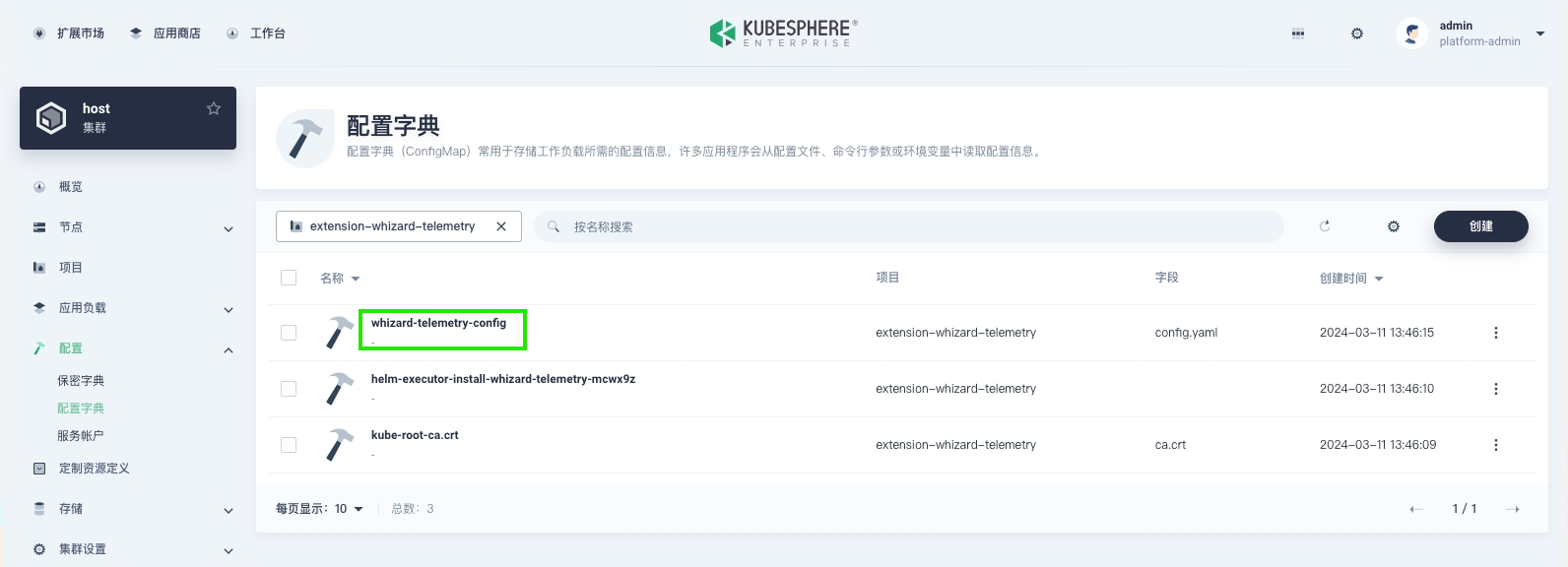
-
修改
notification:history:endpoints、logging:endpoints、auditing:endpoints和events:endpoints为 OpenSearch 地址,点击确定。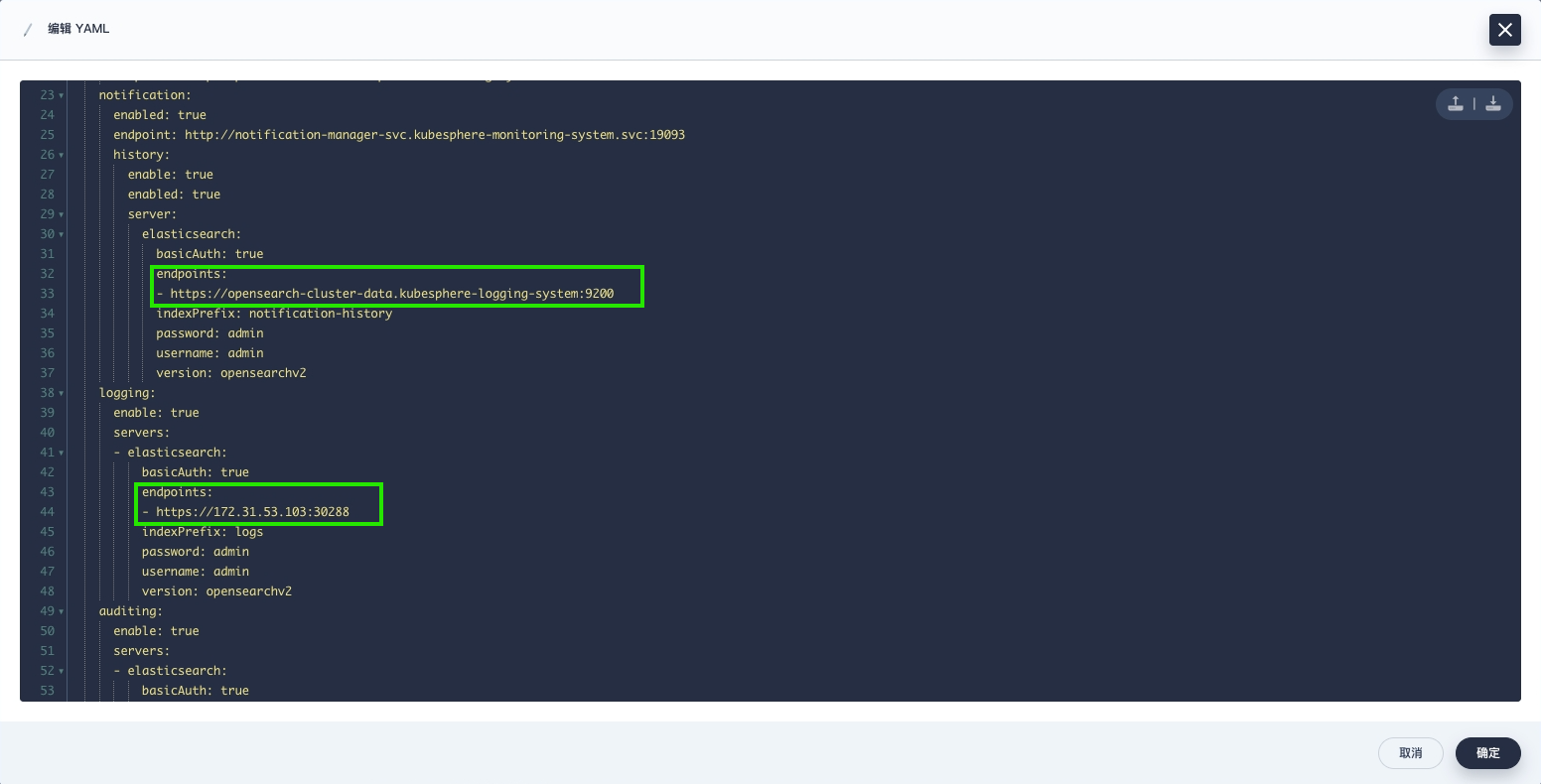
在 KSE 界面查询日志
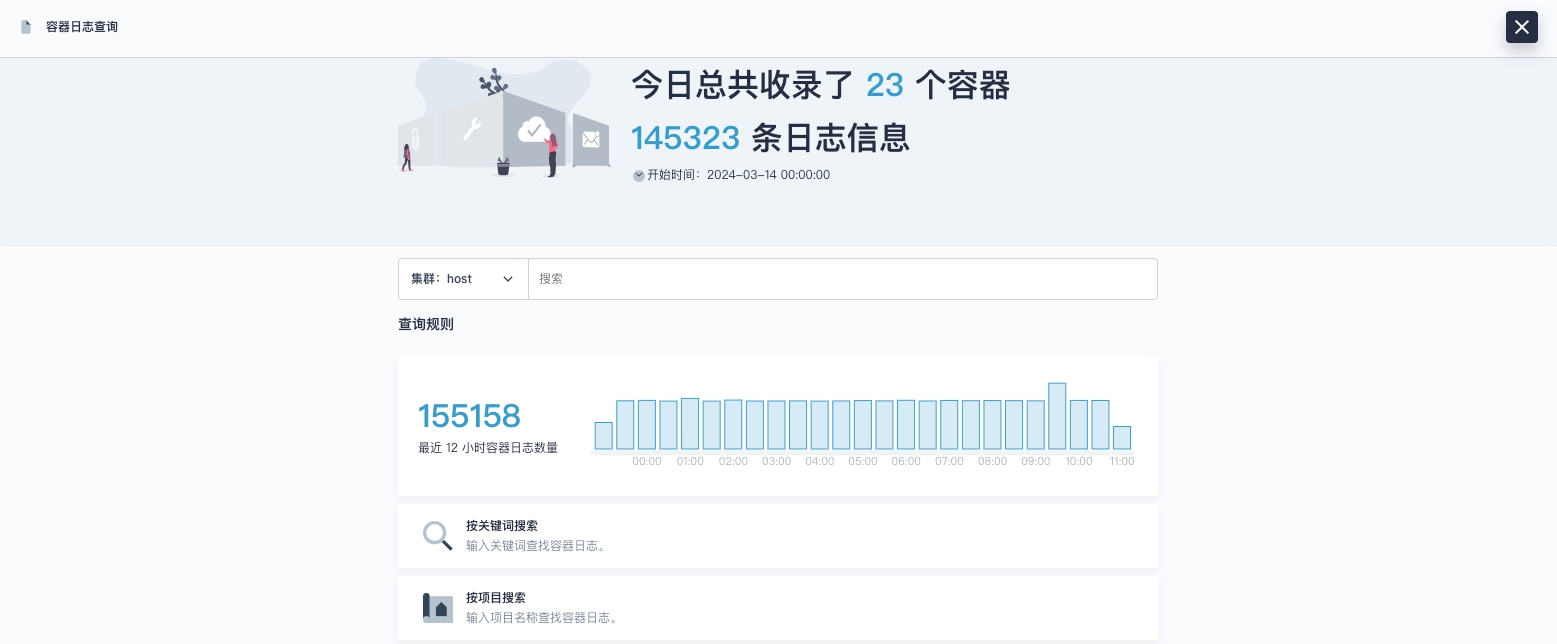
部署完成后,可以从 OpenSearch 查询到日志,如图所示。